
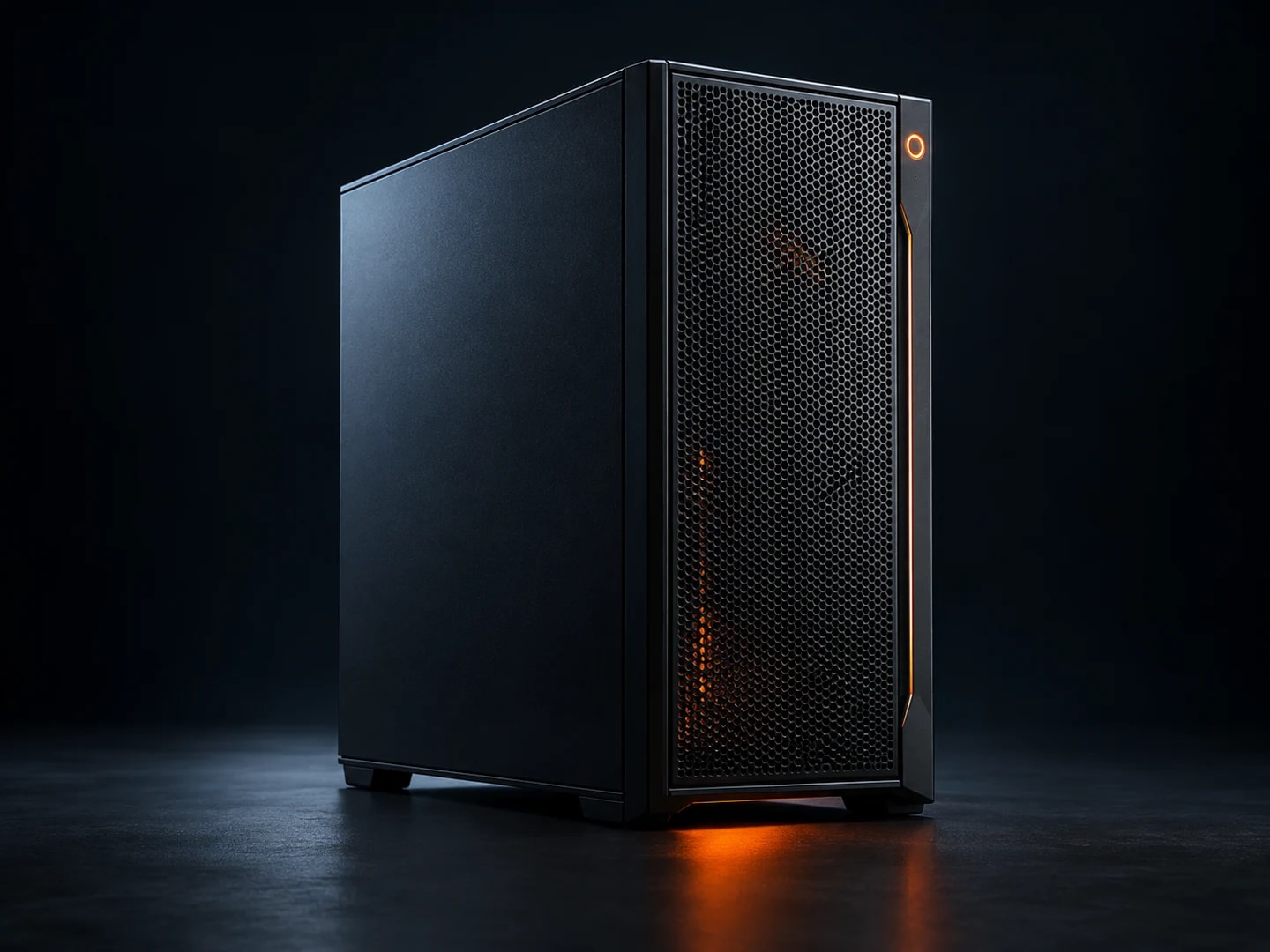
ZIPMARK OFFICE
A desktop for a busy working day: a proposed 32 GB of memory, 1 TB SSD and Core i5 or Ryzen 5 platform. We tailor the configuration to your applications and workspace.
- CPU
- Intel Core i5 / AMD Ryzen 5
- RAM
- 32 GB
- SSD
- 1 TB NVMe

Equipment for work and business: all-in-one PCs, UPS systems, custom computers, cable assemblies and a repair lab.
Choose what matters to you. We will show you where to start.
 01 / 05
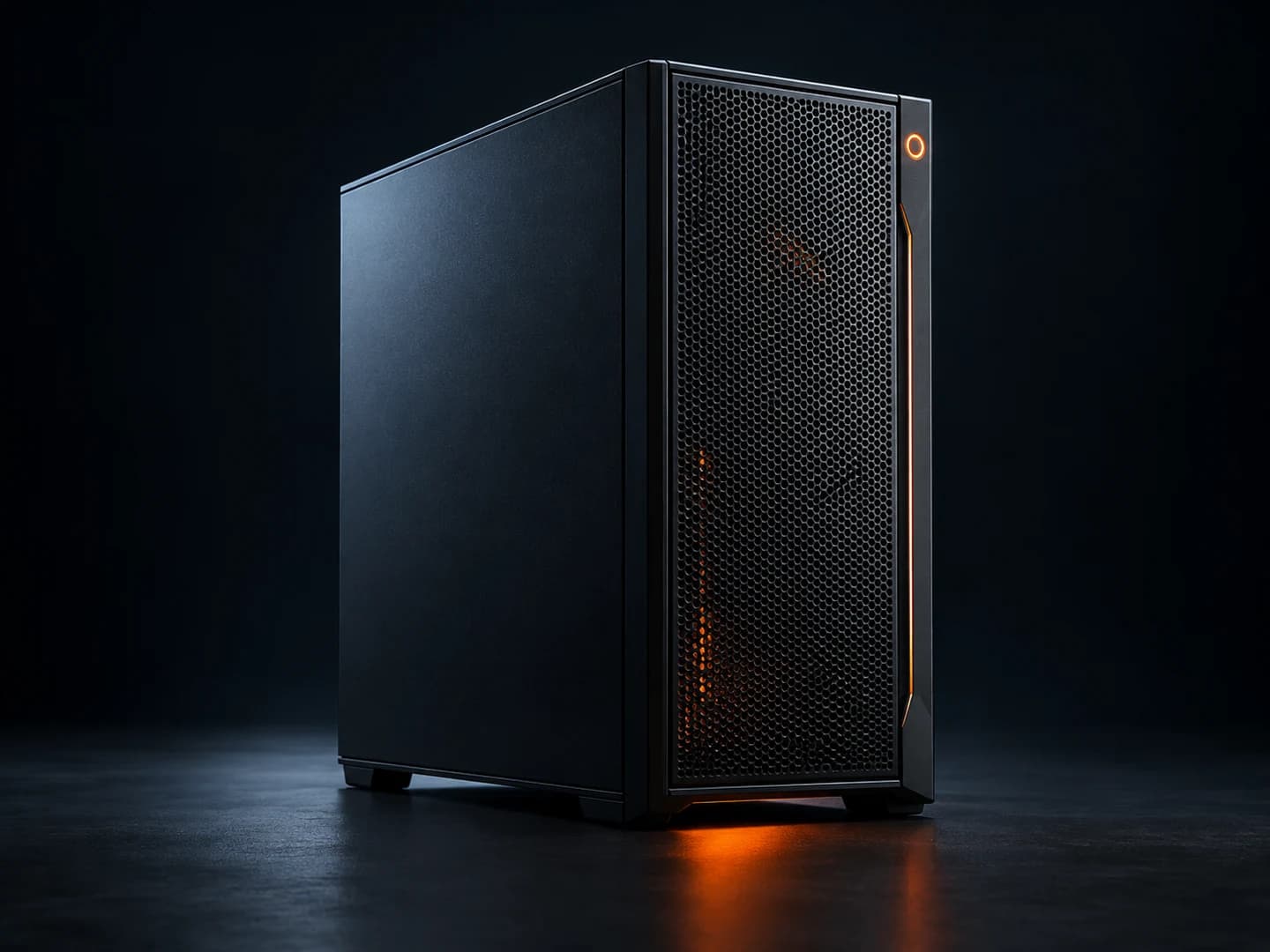
Documents, video calls, studying and everyday applications. Start with an all-in-one or build a PC around the apps you use.
From your first computer to a complete office. Choose a range and we will help with the details.
Work, play and create
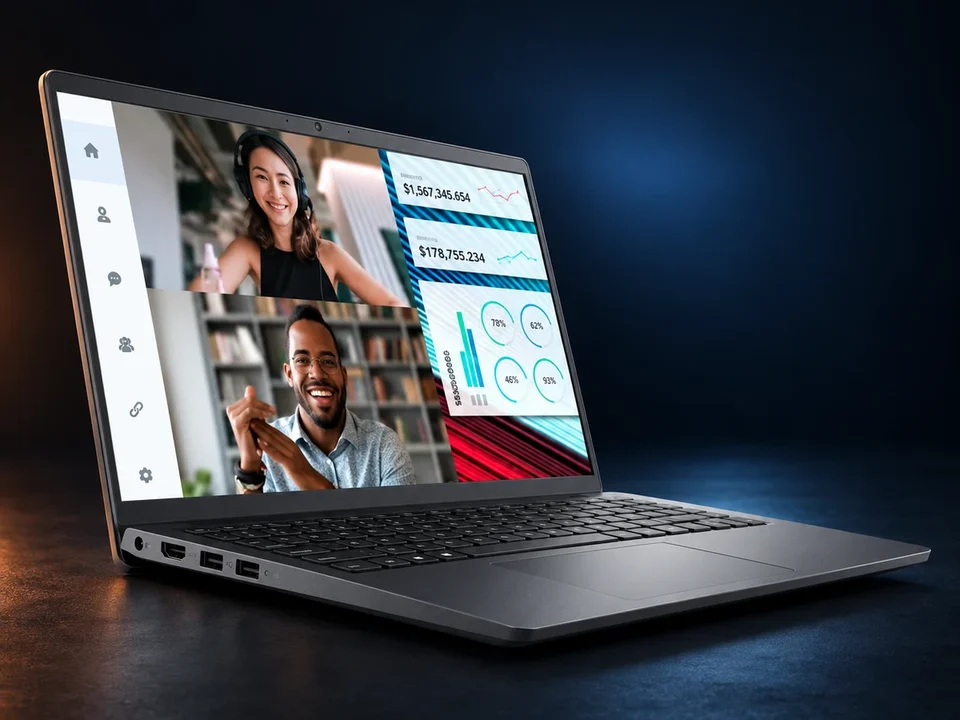
Performance on the move
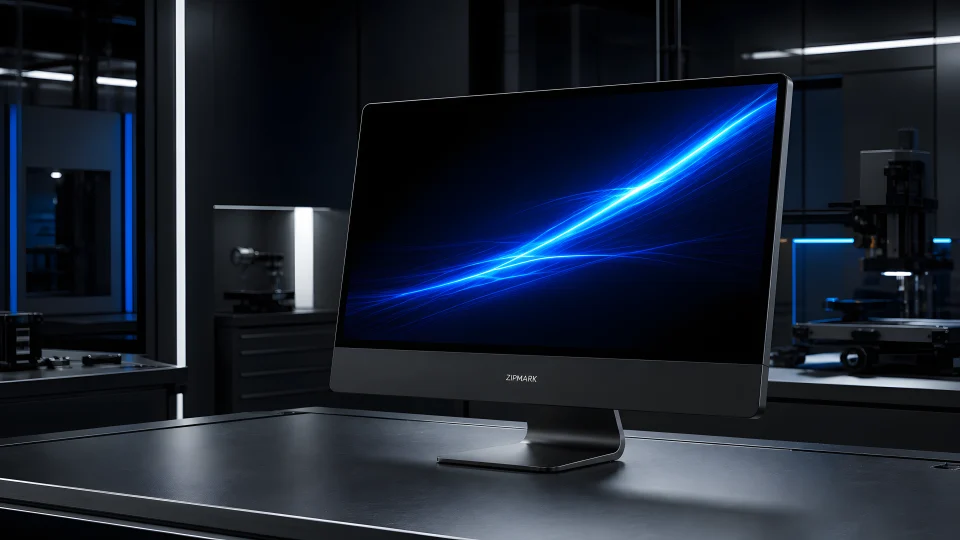
Everything in one place
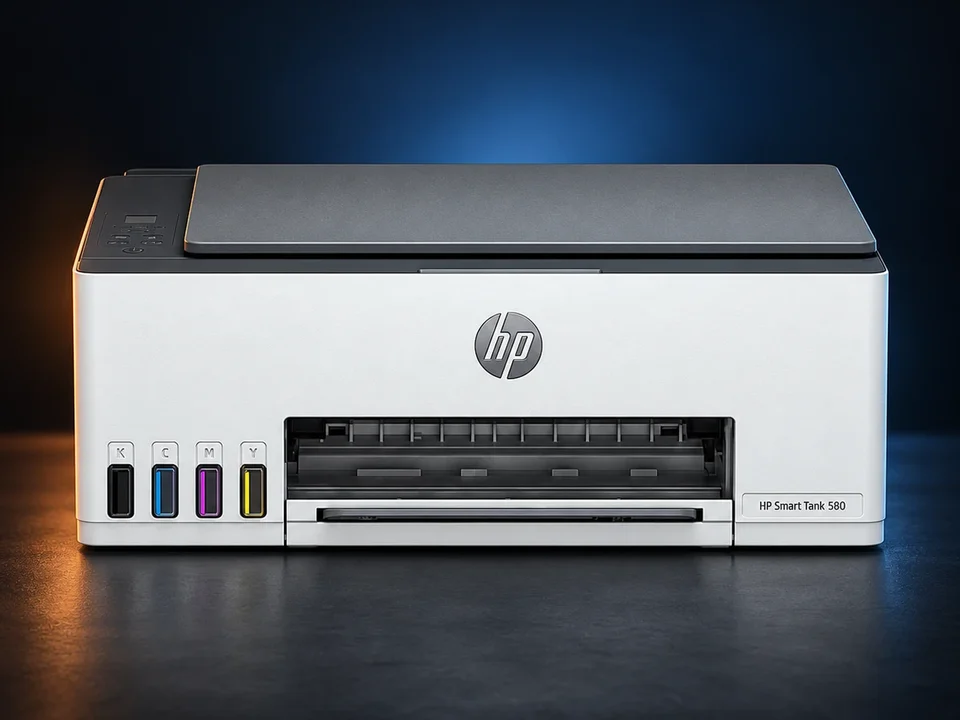
From documents to projects
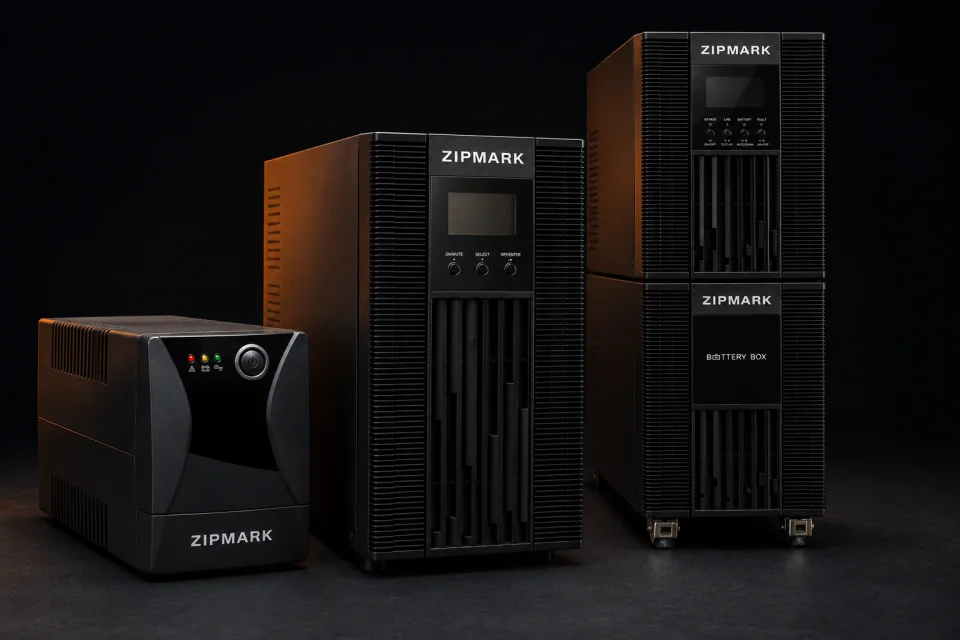
Protect what matters
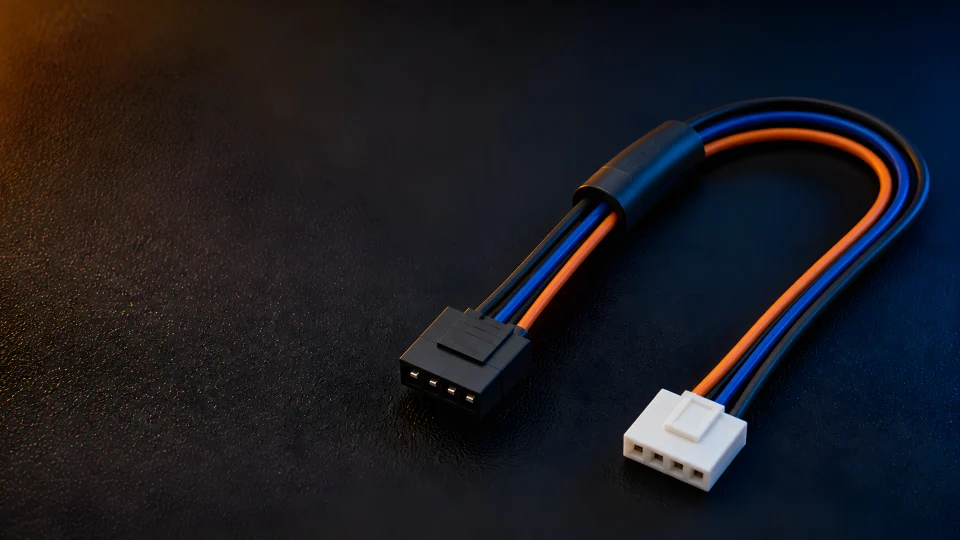
Make the right connection
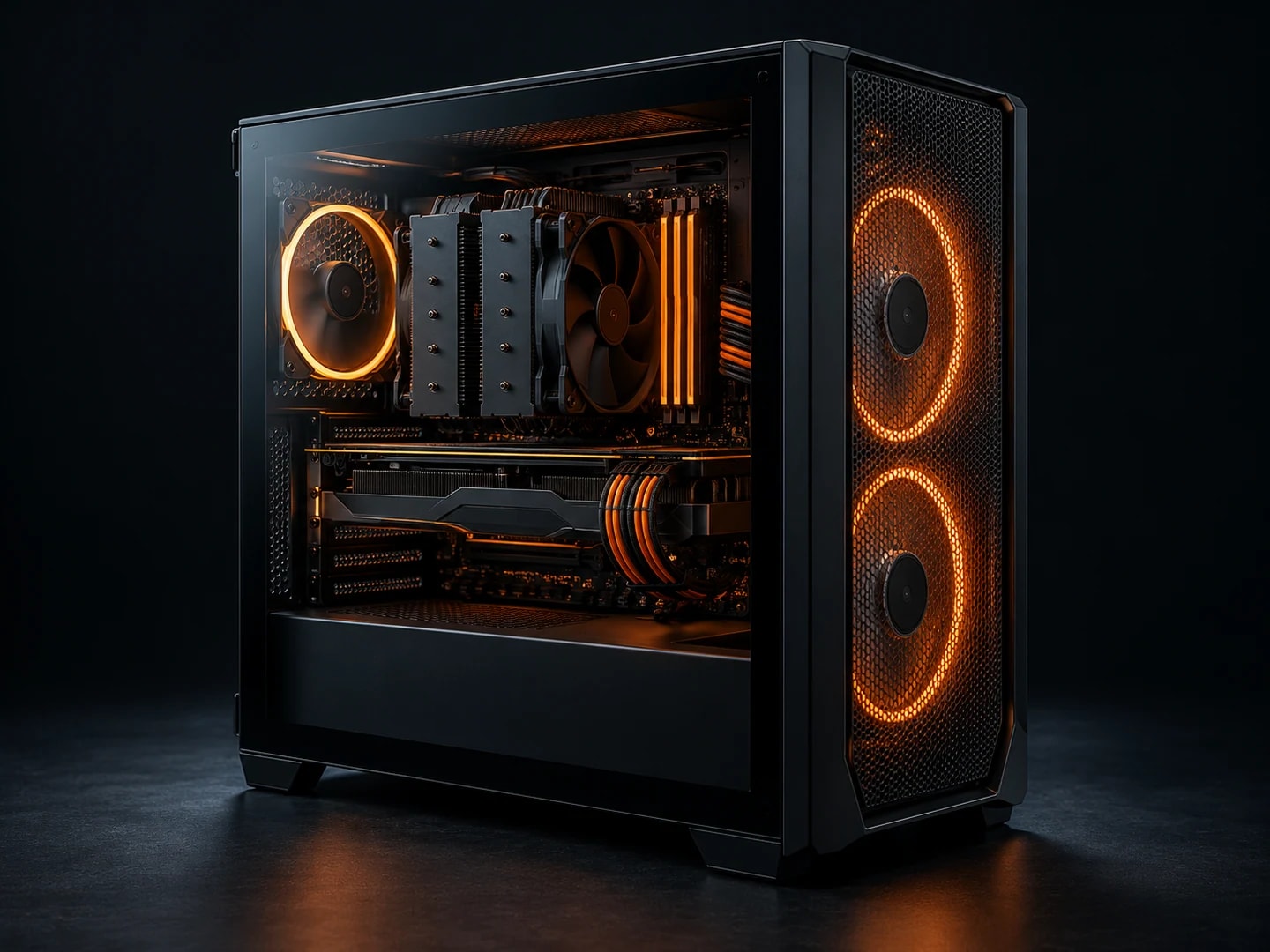
Documents, browser tabs, accounting and video calls. A responsive, quiet system with room to grow.
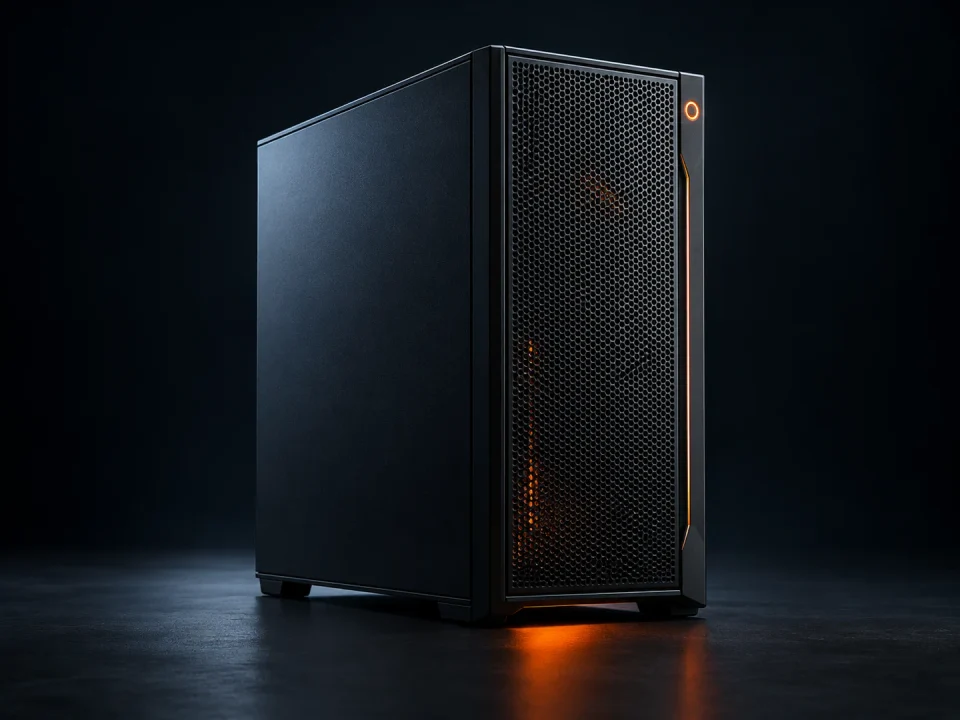
Start with your games and display resolution. Balance the CPU, graphics and cooling around your actual workload.
Editing, graphics, code and 3D. Built around your software, project sizes, memory and storage needs.
A configuration is your starting point. Components, compatibility, price and warranty terms are agreed before ordering.
Considered starting configurations for different workloads. Open a product to explore specifications and use cases.
A desktop for a busy working day: a proposed 32 GB of memory, 1 TB SSD and Core i5 or Ryzen 5 platform. We tailor the configuration to your applications and workspace.
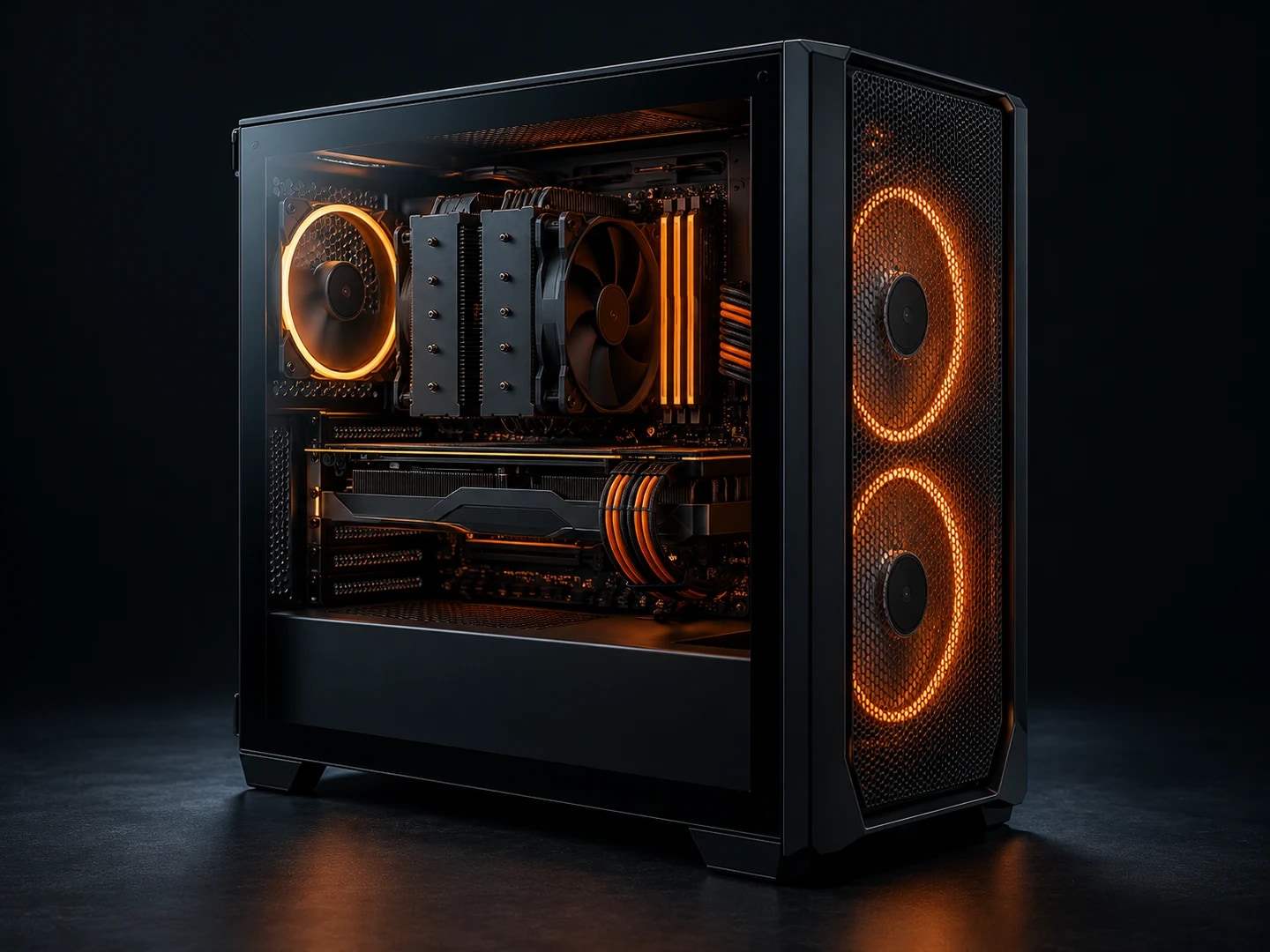
A gaming build aimed at Full HD, with a proposed 32 GB of memory, 1 TB SSD and discrete GPU with 8 GB of VRAM. We choose the actual CPU and GPU around your games.
A workstation for making things: a recommended 64 GB of memory, 2 TB NVMe and discrete graphics with 12 GB of VRAM. The quote follows your editing software and source material.
A developer workstation with a proposed 32 GB of memory and 1 TB NVMe drive for your IDE, local services and virtual environments. The final platform follows your stack.
A laptop for life on the move. A printer for getting things done. Equipment that completes your workspace.

Dell Vostro 3530 with Intel Core i5-1334U, 8 GB RAM and 512 GB SSD. Display: 15.6″ Full HD. Request the current configuration, availability and delivery terms.
View product
Acer Nitro V 15 with Intel Core i5-13420H, 16 GB RAM and 512 GB SSD. Display: 15.6″ Full HD IPS. Request the current configuration, availability and delivery terms.
View product
HP Smart Tank 580 — Print / Scan / Copy. Request current availability and delivery terms.
View product
Canon imageCLASS MF3010 — Print / Scan / Copy. Request current availability and delivery terms.
View productEvery component and every term considered. Discuss your requirements and quotation before confirming an order.
Find a product in the catalog or tell us what you need your computer to do.
Confirm the configuration, quantity, availability and delivery or collection method.
Record the order contents, final price and service terms.
Your requests, favorites and service history are available in your account.
From a desktop computer to a server room. MARK and MARK11 UPS systems protect equipment and provide backup power when you need it.
 MARK / MARK11

Diagnostics, component selection, careful assembly, setup and load testing. Track repair stages in your account.
Component layout, cable management and checks on every assembly.
Load testing and a recorded configuration before handover.
Service history and request status in your account.
All-in-one PCs, computers, UPS systems, setup and a single service contact for your organization.
Discuss your projectOpen a product and choose Request a price. Include the quantity and city. Our team will confirm the configuration, availability and delivery terms. Sending a request requires no payment.
Yes. Choose Request quotation on a product page, enter your organization and quantity, and attach a specification if needed. Add document and deadline requirements in the comment.
Start with the total equipment power consumption in watts. The UPS selector shows models with power headroom. Battery runtime, load type and compatibility need separate confirmation.
Note the model, symptoms and when the issue occurs. Back up important files if the device starts. You can include the serial number and a photo in the service request. Do not include passwords in the description.
These depend on the model, configuration and destination. Confirm the warranty term, included items, collection method and delivery cost when agreeing on the quotation.