
Laser cartridge
refilling.
Black toner. Crisp text. Back to work. We refill monochrome laser printer and MFP cartridges using professional equipment, with cleaning, component inspection and a test print.
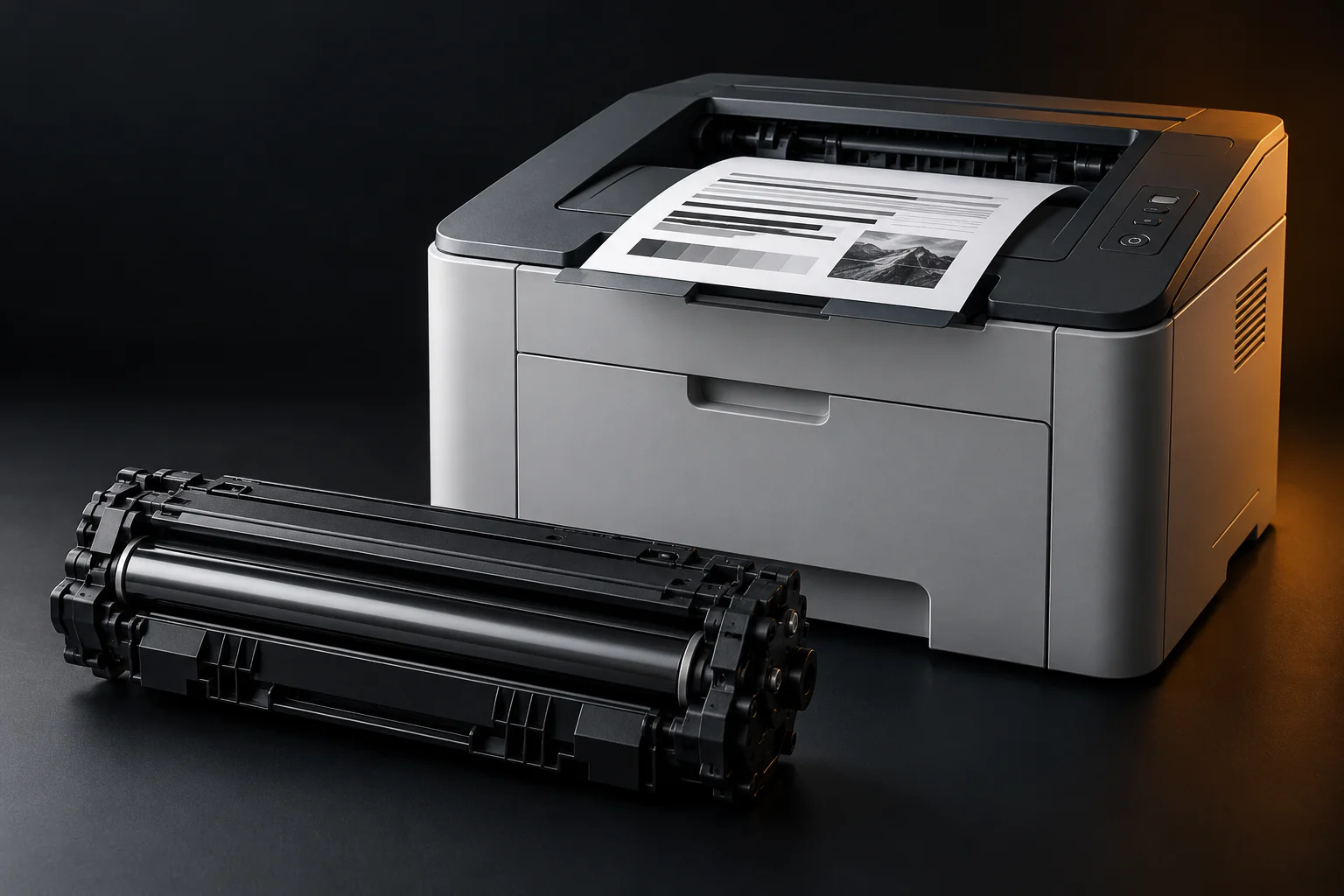
FOR HOME AND OFFICE. FOR EVERYDAY PRINTING.
Refilling, reconditioning & repairsProfessional equipment. Serious care.
We invested in professional equipment to give your cartridge the care it deserves.
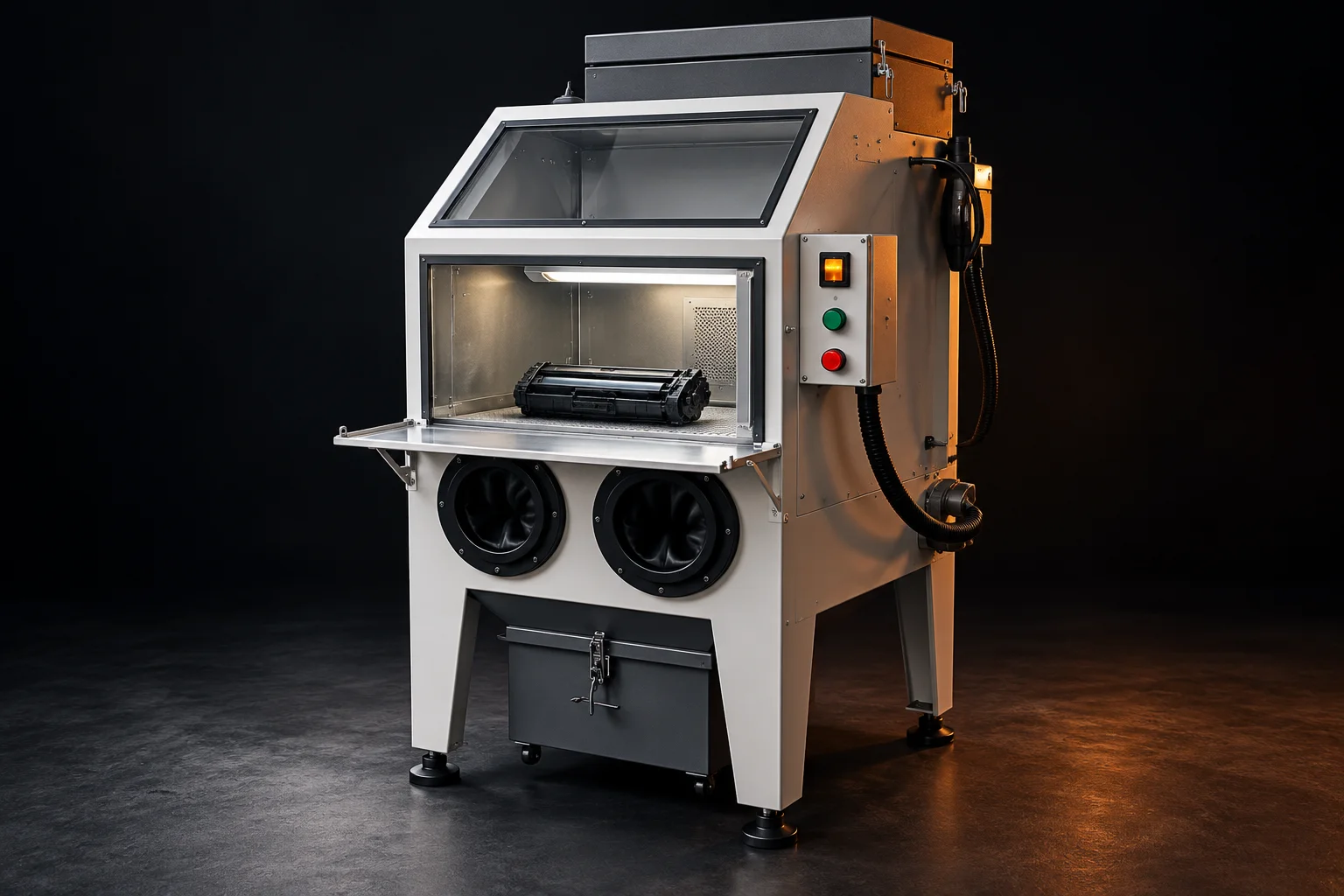
A good refill starts with preparation.
We use a dedicated station for cartridge cleaning and toner handling. Residual powder, component wear and compatible supplies all get attention, from preparation to the final print check.
Dedicated cleaning station
An extraction-equipped work chamber helps collect fine toner dust during cartridge cleaning.
Toner matched to your model
We account for cartridge design and model. Toner compatibility matters for print quality.
Result checked
We inspect component condition and a test print. If repairs are needed, we explain the cause and agree on the work.
From refilling to repairs.
Your cartridge and printer work together. We check what needs attention and agree on the work required.
Black toner refilling
For monochrome laser printers and MFPs. We clean the cartridge, match the toner to your model and check print quality after servicing.
Cartridge reconditioning
Worn parts need more than a refill. We inspect the drum, rollers and blades, and agree separately on any replacement parts or chip work.
Printer & MFP repairs
Paper jams, errors and print defects. We inspect the device, identify the cause and agree on repairs. MFP checks also cover scanning and copying.
Send your printer model or cartridge code to confirm refill options, chip requirements and pricing. Extra parts and repairs are agreed separately.
Every defect has a cause.
Choose a symptom to see what needs checking and what to share with our team.
Text looking faint?
We check toner levels, cartridge condition and print settings. If parts are worn, we explain why a refill alone is not enough and recommend reconditioning.
Talk to our teamFrom your request to working equipment
Three steps to get your equipment working again. Choose a stage for details.
Start with a request — explore each stage below
Tell us what you need
Choose a computer, laptop, printer or other device in the form and describe the issue. Share the model and, if helpful, a photo of the device, error or faulty print. For warranty requests, include the serial number and purchase document if available.
Inspect and agree
Our team confirms how to hand over the equipment, inspects it and agrees on the cost and scope. Timing depends on the device condition, repair complexity and parts availability.
Service and check the result
We carry out the agreed repair, maintenance or refill and check the device. After servicing a laser cartridge, we check a test print for crisp text, even black coverage and streaks. Service warranty terms are confirmed when the work is agreed.
ZIPMARK service and warranty
Diagnostics, repairs and support for computers, all-in-ones, laptops and UPS units are available here too. Equipment warranty terms are listed in the product documentation and confirmed with your order.
Contact service
Tell us what you need. We will help select a solution and confirm delivery or service details.
Still have questions?
Which computers do you repair?
We accept enquiries for desktop computers, laptops and all-in-ones. Share the manufacturer, model and symptoms so our team can confirm repair options, required checks and service terms.
What if my computer overheats or runs slowly?
Describe when it happens: at startup, in games or during everyday use. Diagnostics cover cooling, storage, memory and stability. Cleaning, setup or replacement parts are agreed based on the findings.
Which cartridges do you refill?
We refill cartridges for monochrome laser printers and multifunction devices with black toner. Send the cartridge part number or device model so we can check refill options, select compatible toner and confirm the details. Availability depends on cartridge design and condition.
How does refilling differ from reconditioning?
Refilling includes cleaning the cartridge and replenishing toner matched to its model. Reconditioning may also replace a worn imaging drum or other parts, only after inspection and approval. If wear is causing defects, a refill alone is not enough.
Why use a professional station?
We prepare cartridges using a professional cleaning station with extraction. It helps collect fine toner powder during cleaning before refilling. We inspect parts separately: cleaning equipment does not replace diagnostics or remedy wear in the imaging drum or other components.
Does the cartridge chip need replacing?
It depends on the cartridge and printer model. We check whether chip replacement or a counter reset is needed and available for your model. This work and its cost are agreed separately; there is no universal solution for every cartridge.
How much do diagnostics and repairs cost?
The cost depends on the model and issue. Submitting a request is free. Diagnostics, refilling, repair and handover terms are agreed separately before work begins.
What should I include in my request?
Include the device model or cartridge part number, symptoms and contact details. A photo of a test print and error code helps our team prepare. A purchase document is not needed for a standard refill.
Do you service other ZIPMARK equipment?
Yes. You can also submit requests for computers, all-in-ones, laptops and UPS units. Choose the device type in the form and describe the issue. Product warranty duration and terms are listed in its documentation.
How do I check a warranty by serial number?
Submit the model, serial number and purchase date using the form. A team member will check the details. Warranty terms are confirmed by order documents; automatic online lookup is not available yet.